

We’re ready to assist you with your inquiries.
info@mindrex.ai
+97154105161
Nad Al Sheba, Dubai, UAE
Monday – Friday: 8:30 AM – 5:30 PM
Saturday: Closed
Sunday: Closed
Get updates on automation trends and real-world solutions. Join our newsletter
How We Built ChatApp Around a Layout Teams Already Knew
WhatsApp became the reference because most people already know how it works. That familiarity builds trust and removes the learning curve, letting users focus on work instead of figuring out the interface.
ChatApp does more than messaging. It manages tasks, reminders, and priorities. Familiarity made those extra features easier to adopt without overwhelming users.
ChatApp
Team messaging and task communication
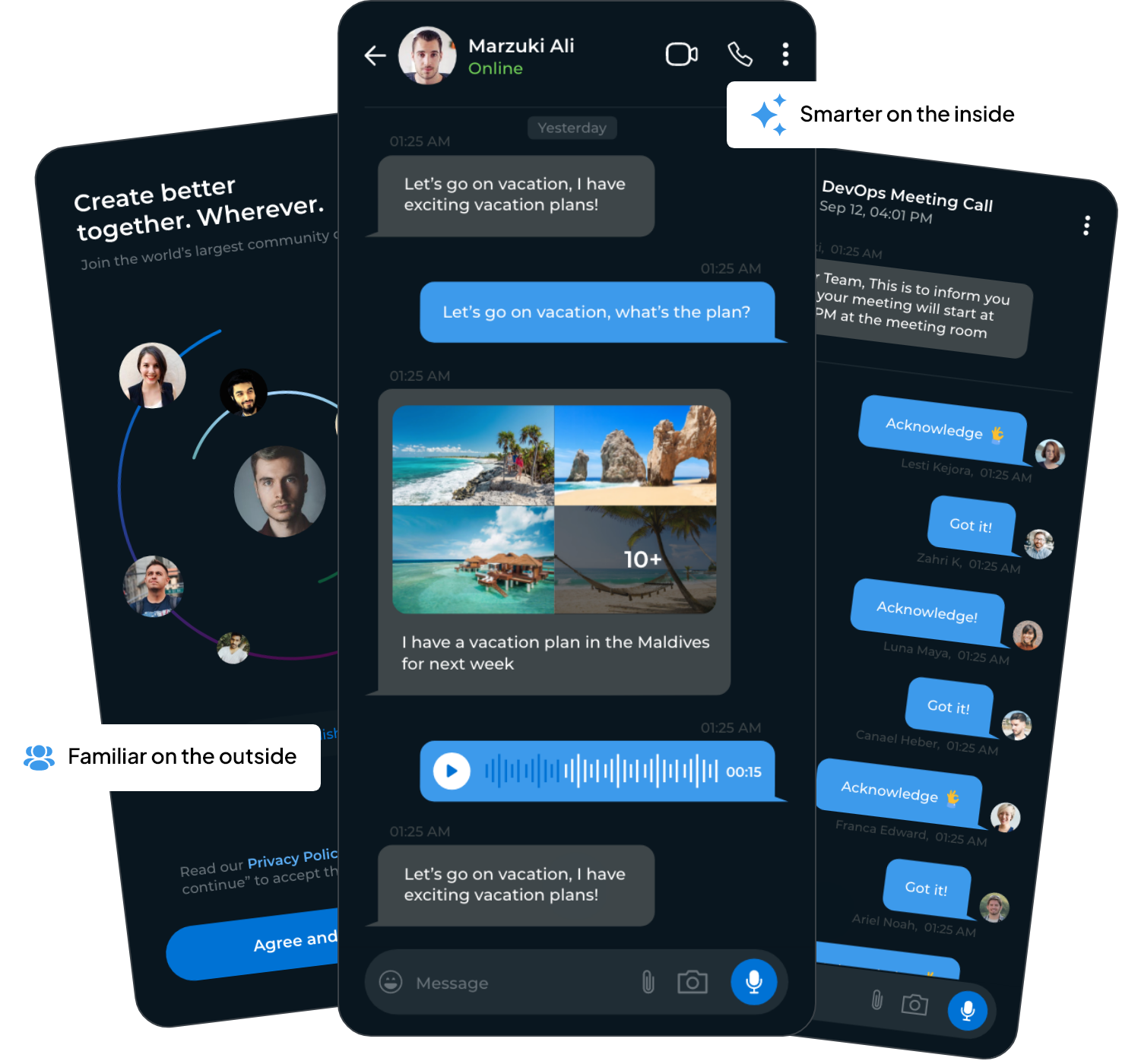
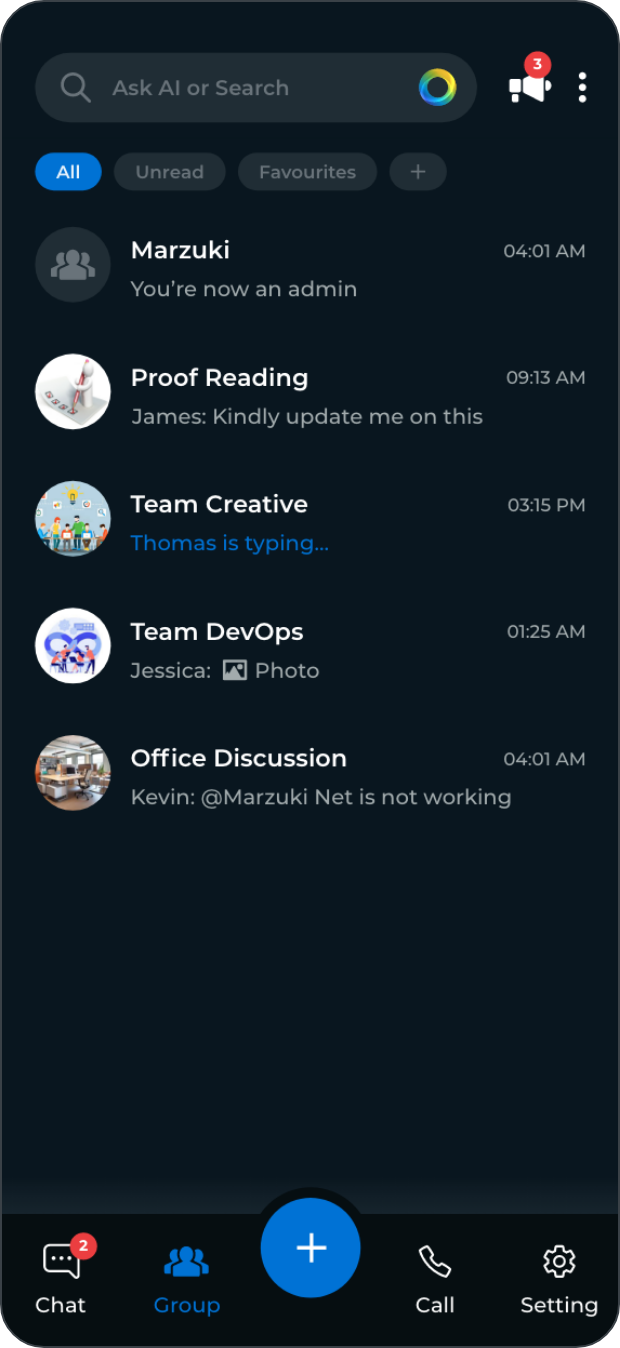
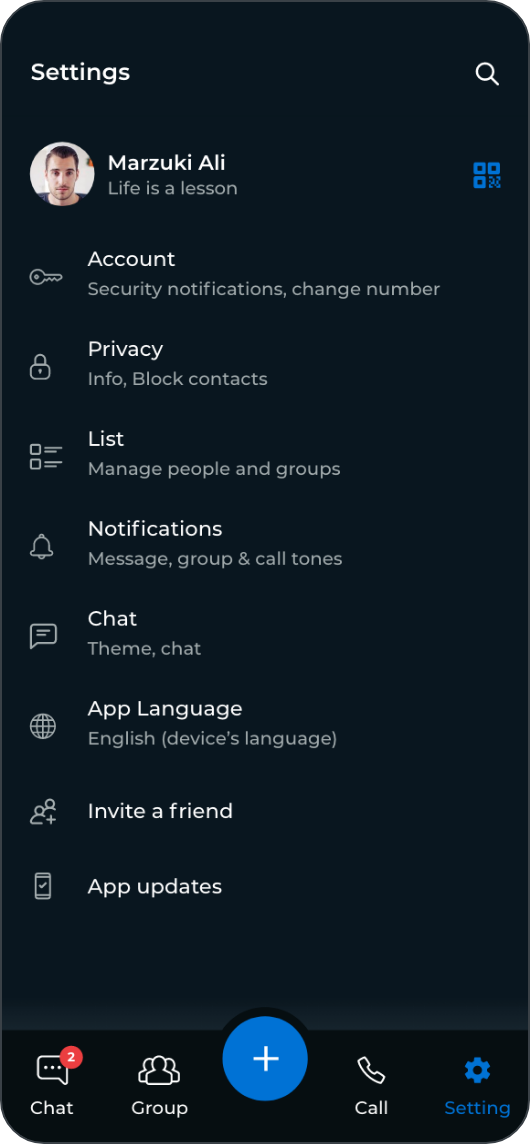
A familiar, WhatsApp-like interface,
built with its own intelligence layer underneath
Copying a familiar layout gets people in the door. It doesn’t give them a reason to stay once the novelty wears off.
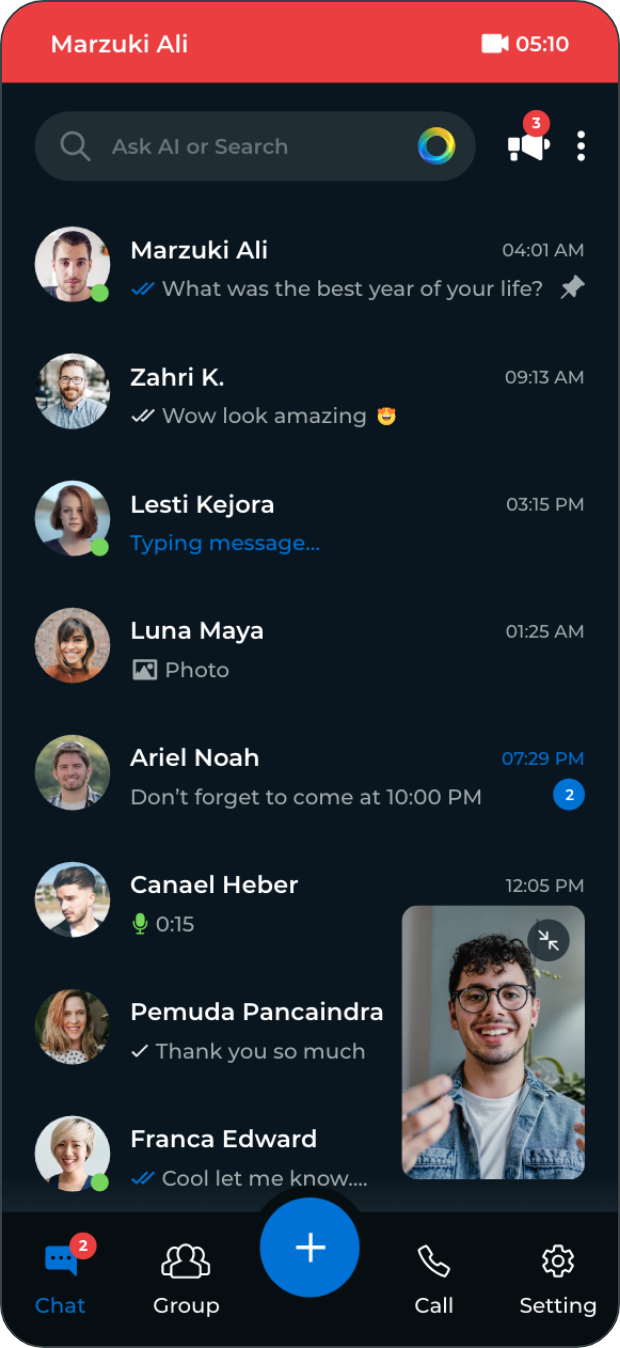
ChatApp follows up when something has been left hanging, brings important conversations forward, and pulls messages, files, schedules, and tasks into one place.
ChatApp wasn’t built for people with time to explore a new app on the weekend. It was built for office-going professionals and corporate teams juggling deadlines, meetings, and half a dozen tools before lunch. It was meant for people who would think of it as something familiar.

The intelligence layer was built with the same restraint yet different when it came to nudges, priority sorting, and context-aware replies.

Designed specifically for office-going professionals, corporate teams, and any team working under real deadlines.

Brought messages, files, schedules, and tasks into one place, instead of leaving teams to manage them across separate tools.

Looked familiar on the surface, but was built to behave differently the moment a team started using it.
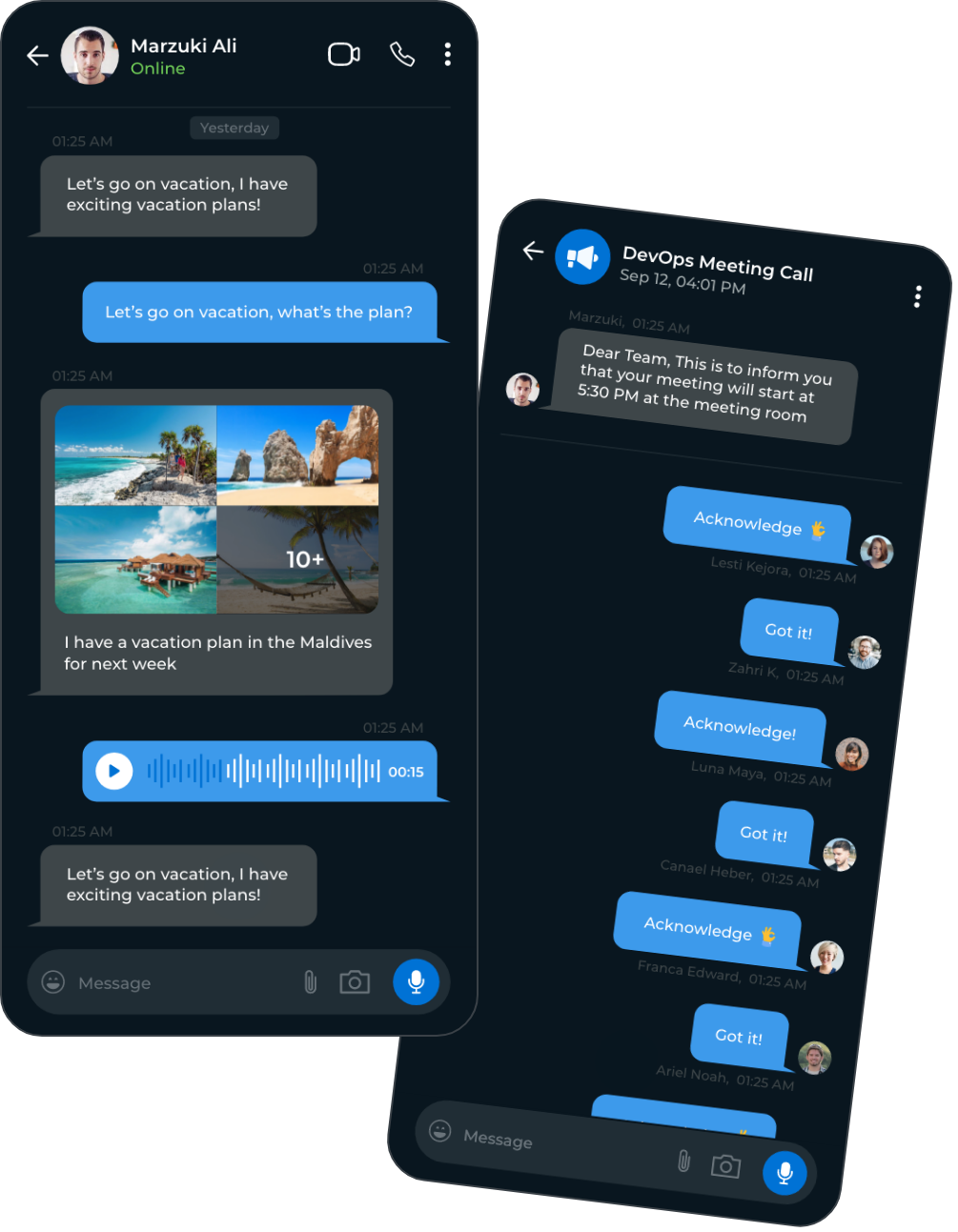
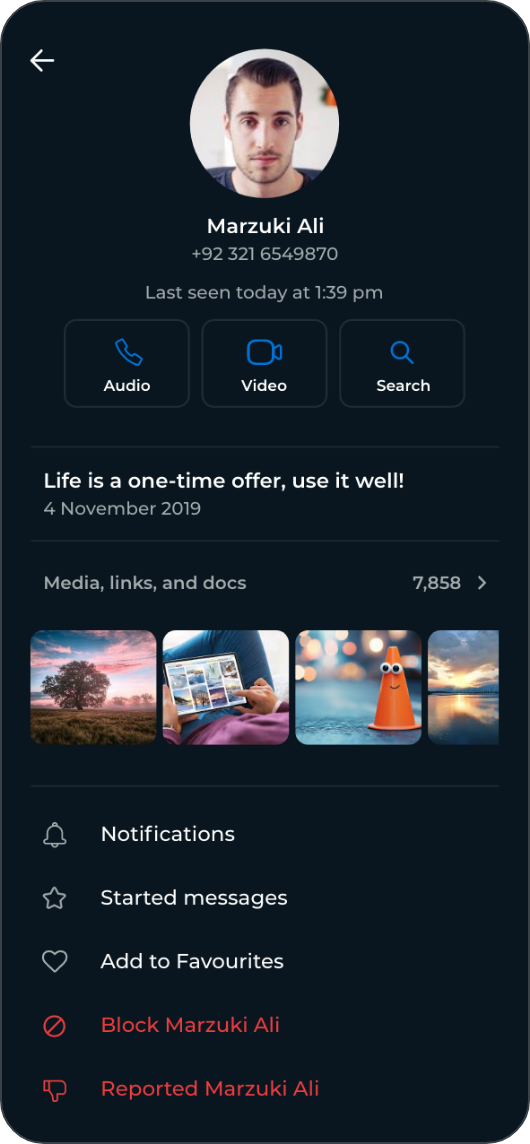
The layout, gestures, and flow feel close to the messaging apps people use every day. We had WhatsApp being the clearest reference point, as nobody must think about how to send a message, open a thread, or find a file.
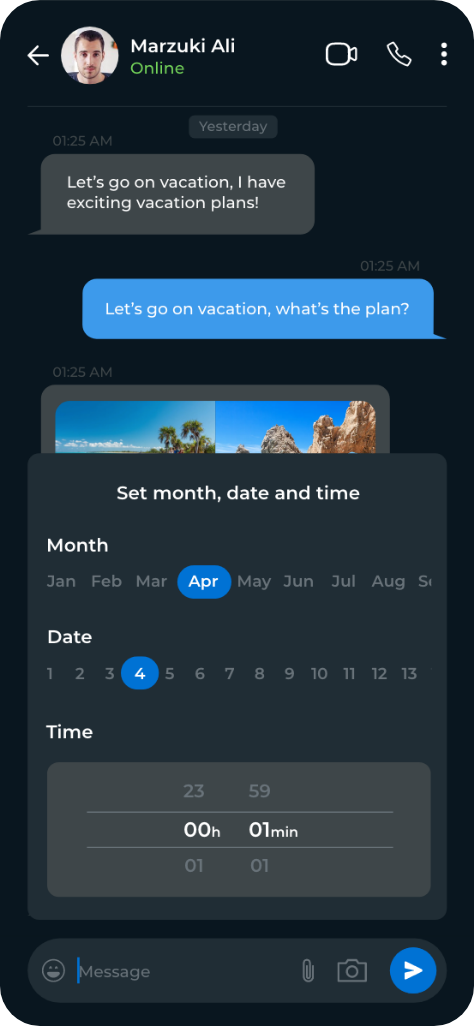
We brought in messaging, files, schedules, and task updates into one place, instead of scattering them across separate tools. It sent follow-up reminders, supported scheduled messaging, and pinned important announcements, so critical updates stay visible.
Recognizable patterns make the experience immediate. Thoughtful intelligence makes it valuable.
The safest interface is the one people already know. If you’re building something which people can easily adopt without a learning curve, we’re ready to help.
Don’t let your system drag your progress. Fill in the form below and unlock the flow your business deserves.